Top AI Tools
top AI Tools to Boost Your Productivity in 2026: The Ultimate Guide
Artificial Intelligence is no longer just a futuristic concept—it is an everyday tool transforming how we work, write, design, and organize our daily lives. Whether you are a student, freelancer, business owner, or content creator, leveraging the right AI tools can save you hours of manual work every single week.
In this article, we will explore the Top 5 AI tools that are driving peak productivity in 2026 and how you can start using them today.
1. ChatGPT & Claude – Advanced AI Writing & Brainstorming
When it comes to written communication, brainstorming ideas, or analyzing complex documents, conversational AI assistants lead the charge.
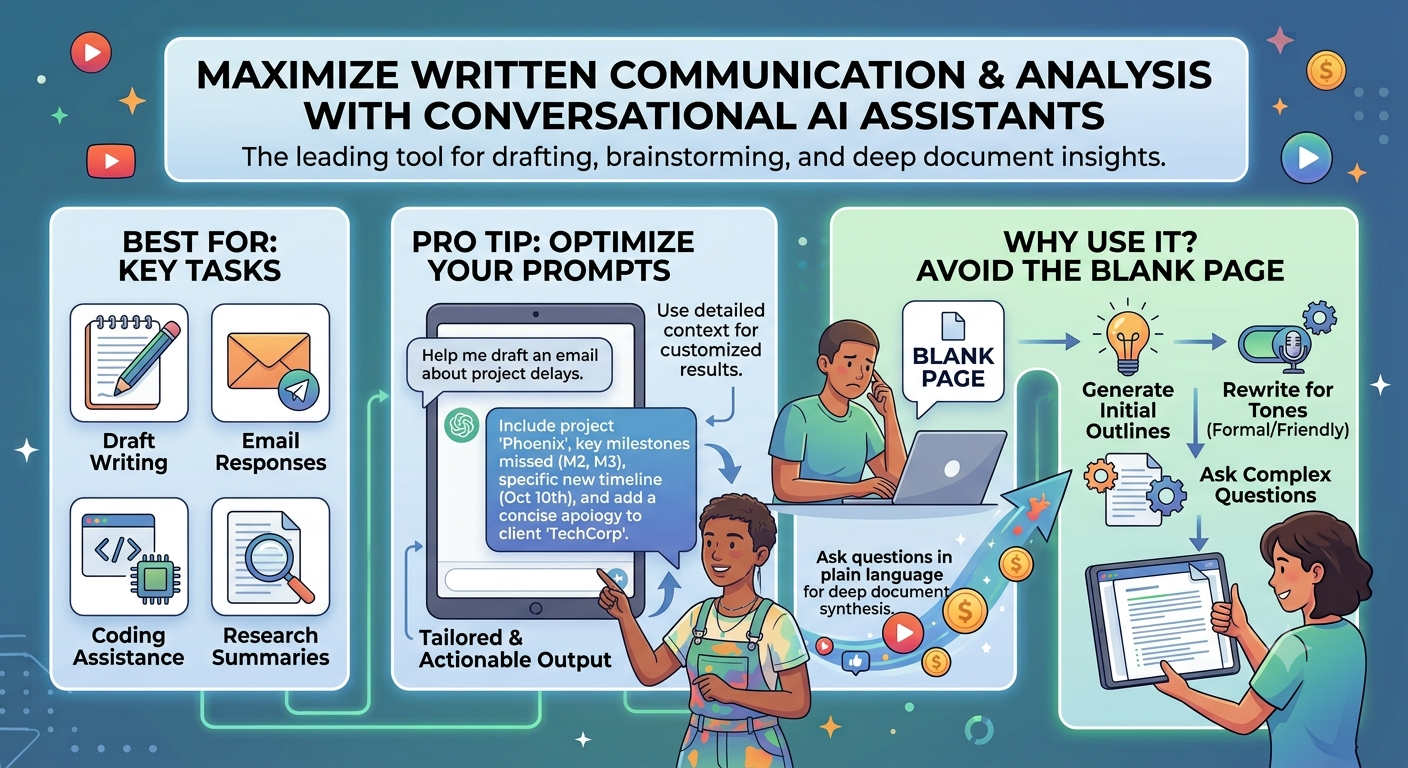
- Best For: Draft writing, email responses, coding assistance, and research summaries.
- Pro Tip: Use detailed context in your prompts to get customized, actionable output tailored to your specific needs.
- Why Use It? Instead of starting from a blank page, you can generate initial outlines, rewrite content for different tones, or ask complex questions in plain language.
2. Notion AI – Smart Workspace & Note-Taking
If your notes, task lists, and project plans are scattered across multiple apps, Notion AI brings everything together into a unified system.
- Canva Magic Studio – Instant Graphic Design
Graphic design used to require years of software training, but AI-powered visual suites have made custom design accessible to everyone.
- Best For: Social media banners, presentation decks, logos, and promotional graphics.
- Why Use It? Canva’s built-in AI tools allow you to generate background edits, resize visual assets instantly, and create stunning visual posts from simple text prompts.
4. Grammarly & QuillBot – Writing Polish & Optimization
Clear, error-free communication is essential for maintaining credibility online. AI proofreading tools ensure your writing remains professional and concise.
- Best For: Grammar checking, sentence restructuring, and clarity enhancements.
- Why Use It? Beyond basic spell-check, these tools analyze sentence tone, suggest smoother vocabulary, and help non-native speakers write confident English.
5. Otter.ai – Automated Meeting Transcripts
Virtual meetings and discussions can quickly become overwhelming if you are constantly taking notes while trying to listen.
- Best For: Automatic audio transcription, meeting summaries, and slide capture.
- Why Use It? Otter joins your virtual meetings, transcribes conversations in real time, and highlights key decisions so you can stay focused on the discussion.
Comparison of Top Productivity Tools
| Tool | Core Strength | Free Tier Available? | Best Suited For |
|---|---|---|---|
| ChatGPT / Claude | Text Generation & Logic | Yes | General tasks, writing, coding |
| Notion AI | Workspace Management | Limited Trial | Project tracking & notes |
| Canva Magic Studio | Quick Visual Design | Yes | Content creators & marketers |
| Grammarly | Writing Refinement | Yes | Emails, articles, proposals |
Summary
You don’t need to adopt dozens of new applications at once. Pick one or two AI tools that solve your biggest daily bottleneck, spend a few days learning their features, and watch your daily output double!